Encounter Design - Doom (2016)
A onboarding level for Doom 2016 encounter and level design practice
TL;DR — A one-month Doom 2016 onboarding level built in the Snap Editor (~65 hours), using a Transition-Arena-Transition rhythm plus pickups, lighting, color, and guidelines to pace combat and steer players through the space. Post-mortem flags pickup clipping, FX-driven framerate loss, and too many line-of-sight blockers breaking AI navigation.
This project is an archived student project, the content here is considered obsolete.
Trailer
Details Breakdown
- Engine: Snap Editor (Doom 2016)
- Duration: 2018/9 - 2018/10 (1 month)
- Total: Work: ~65 hrs
Level Layout
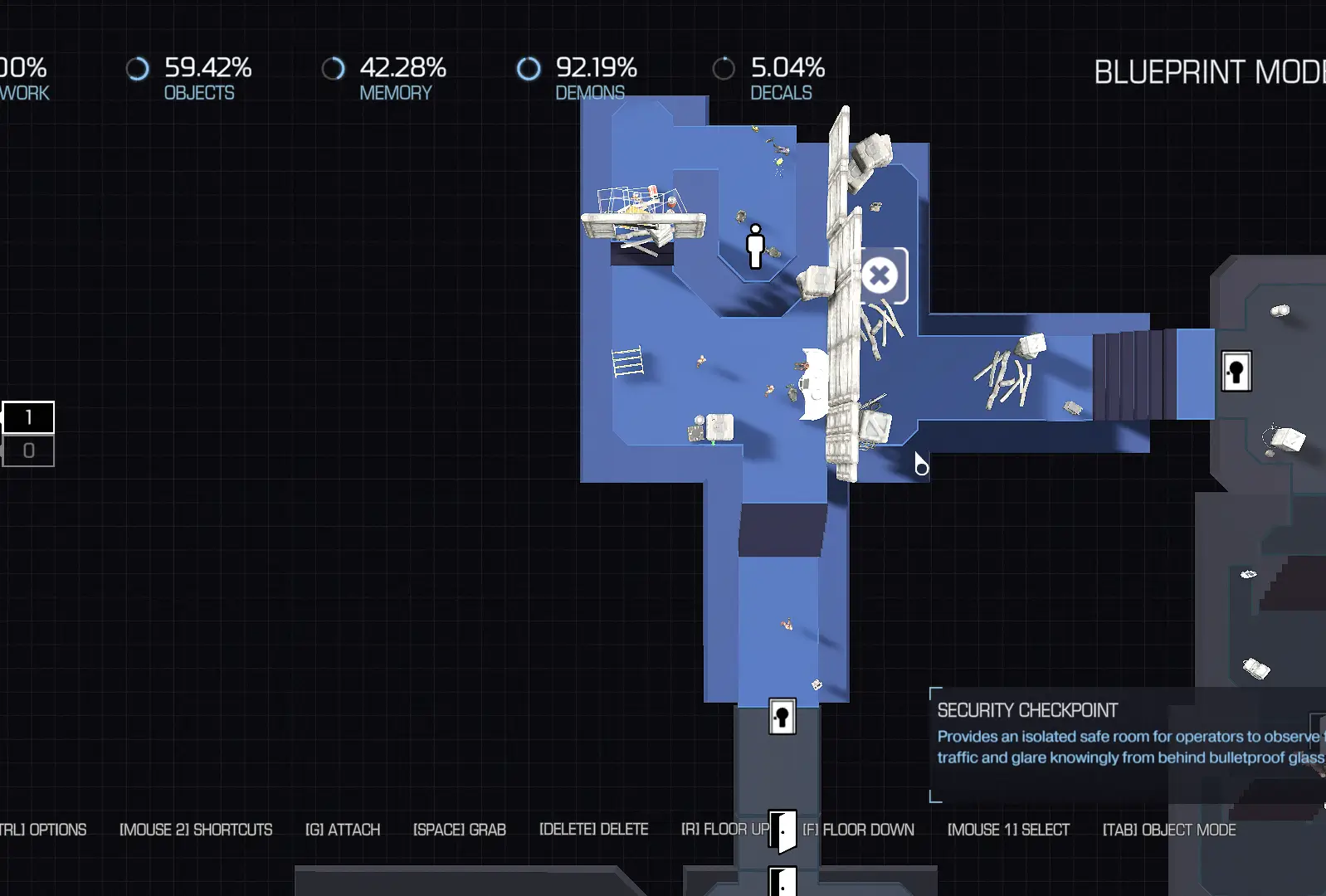 Level Layout
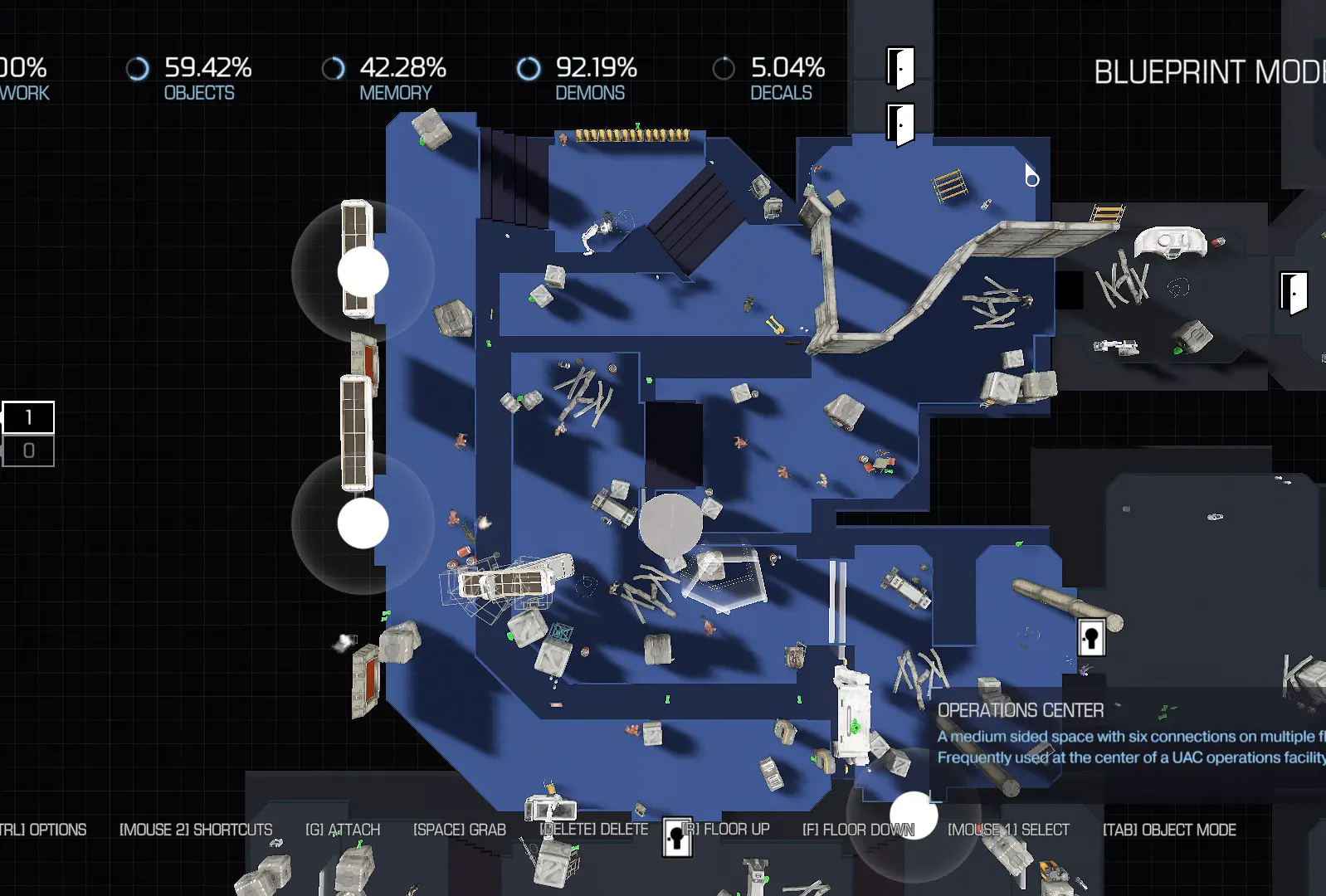 Level Layout
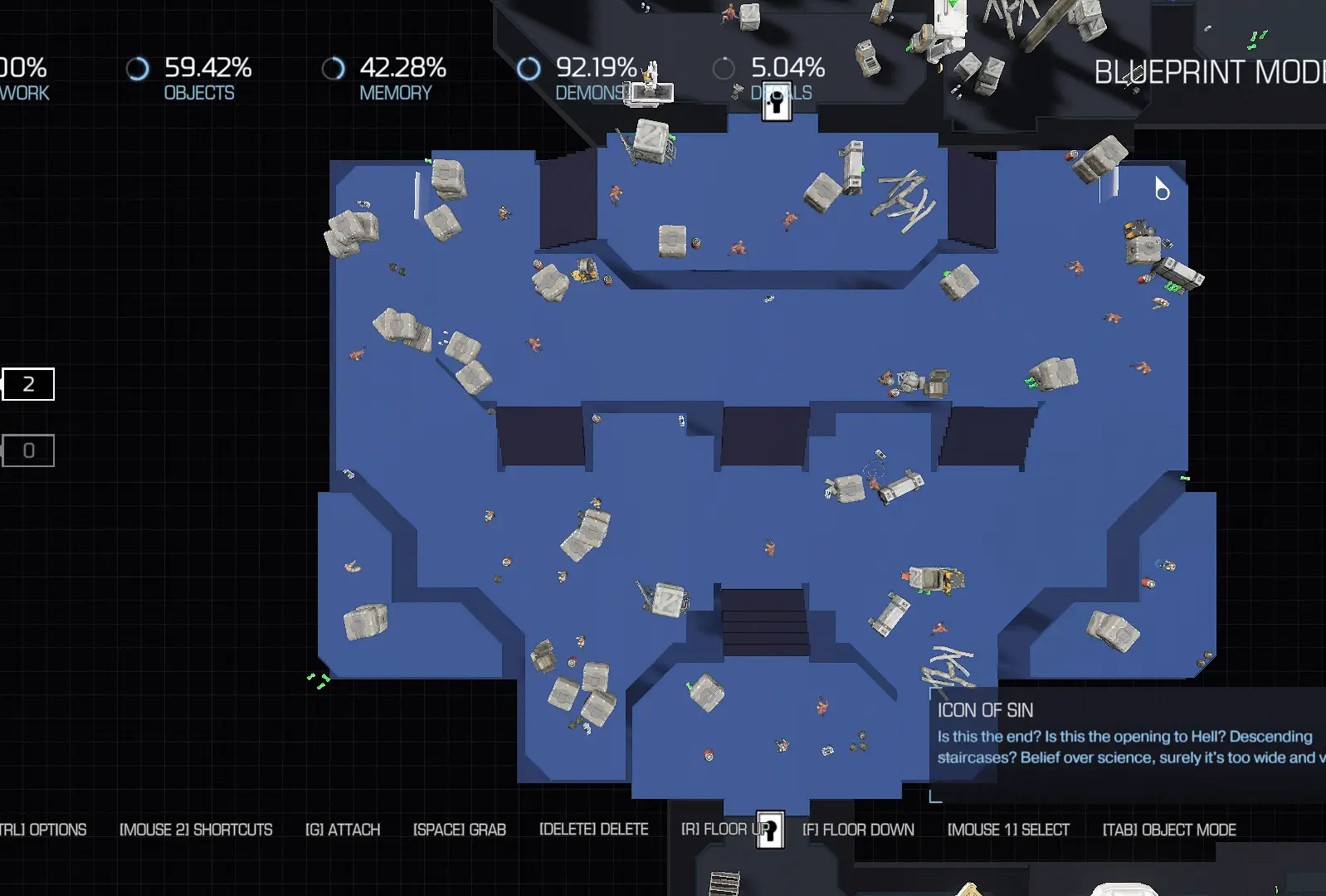 Level Layout
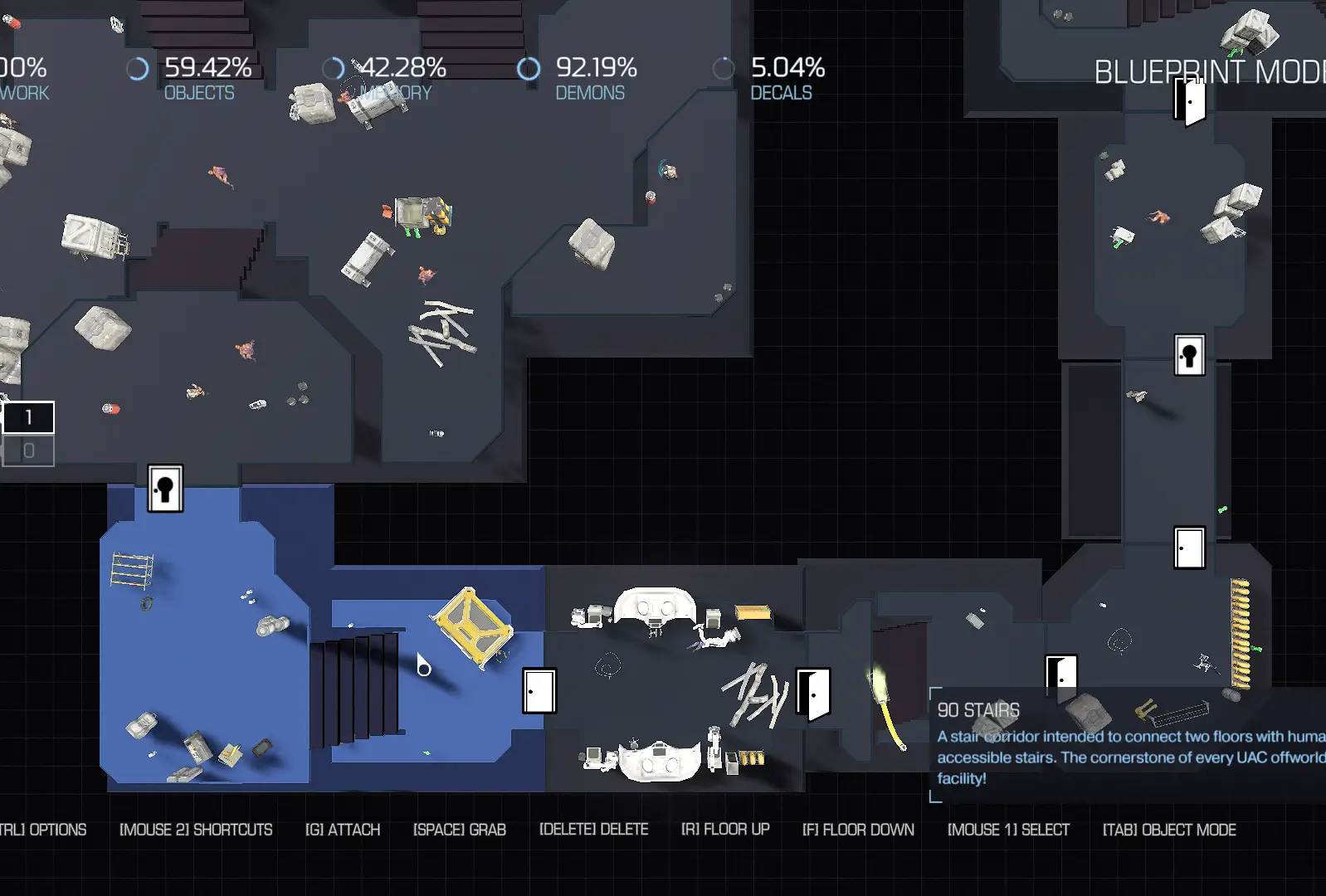 Level Layout
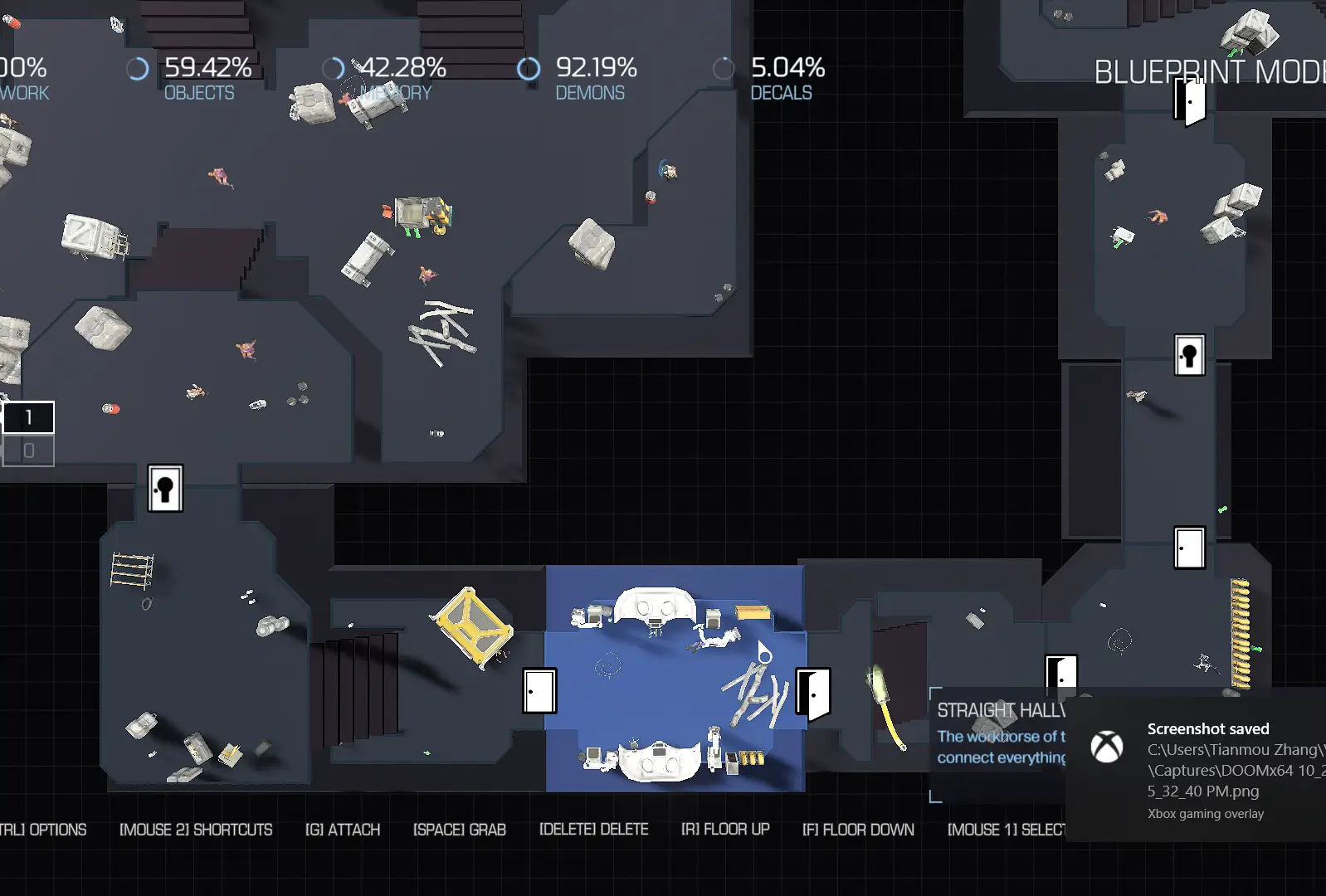 Level Layout
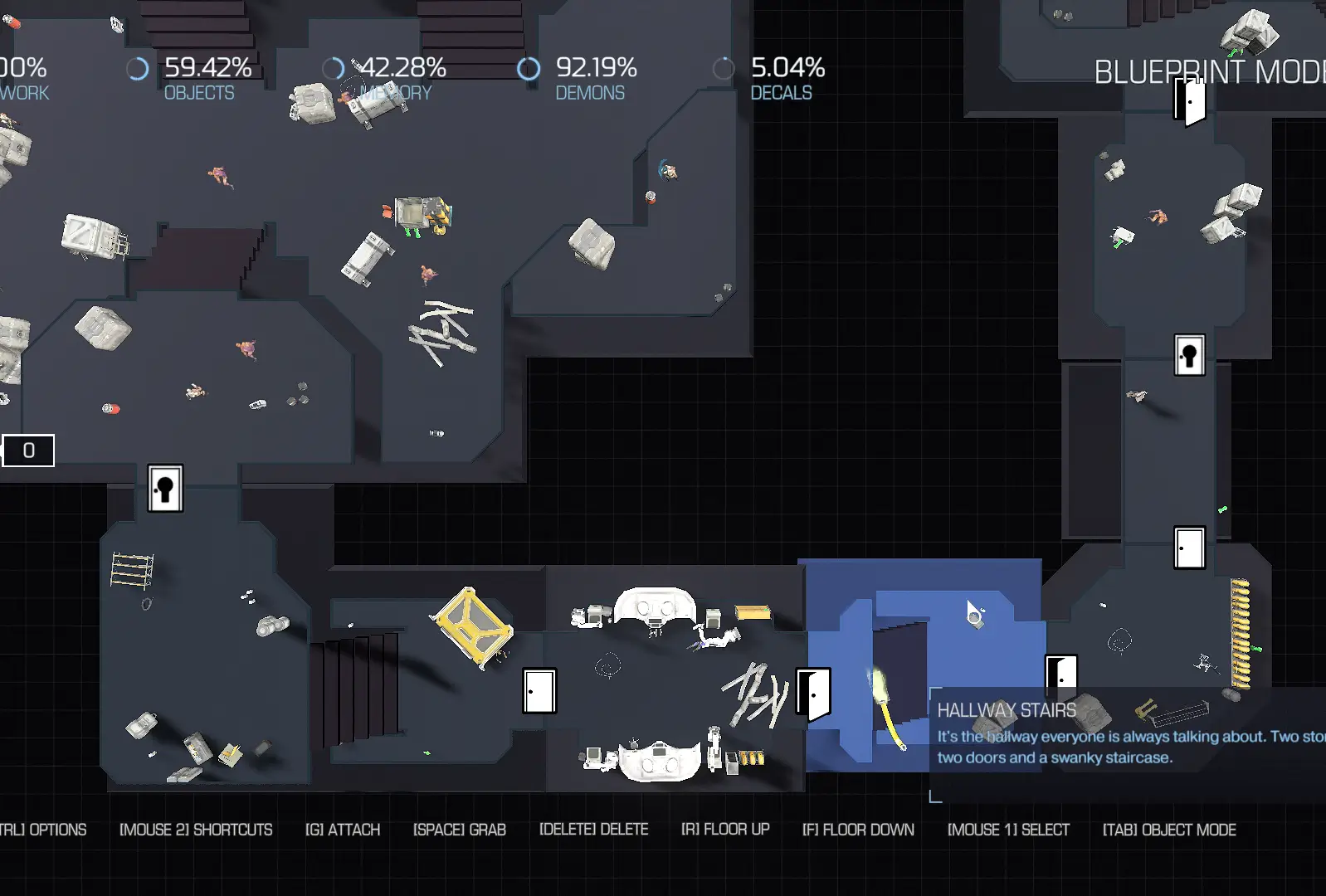 Level Layout
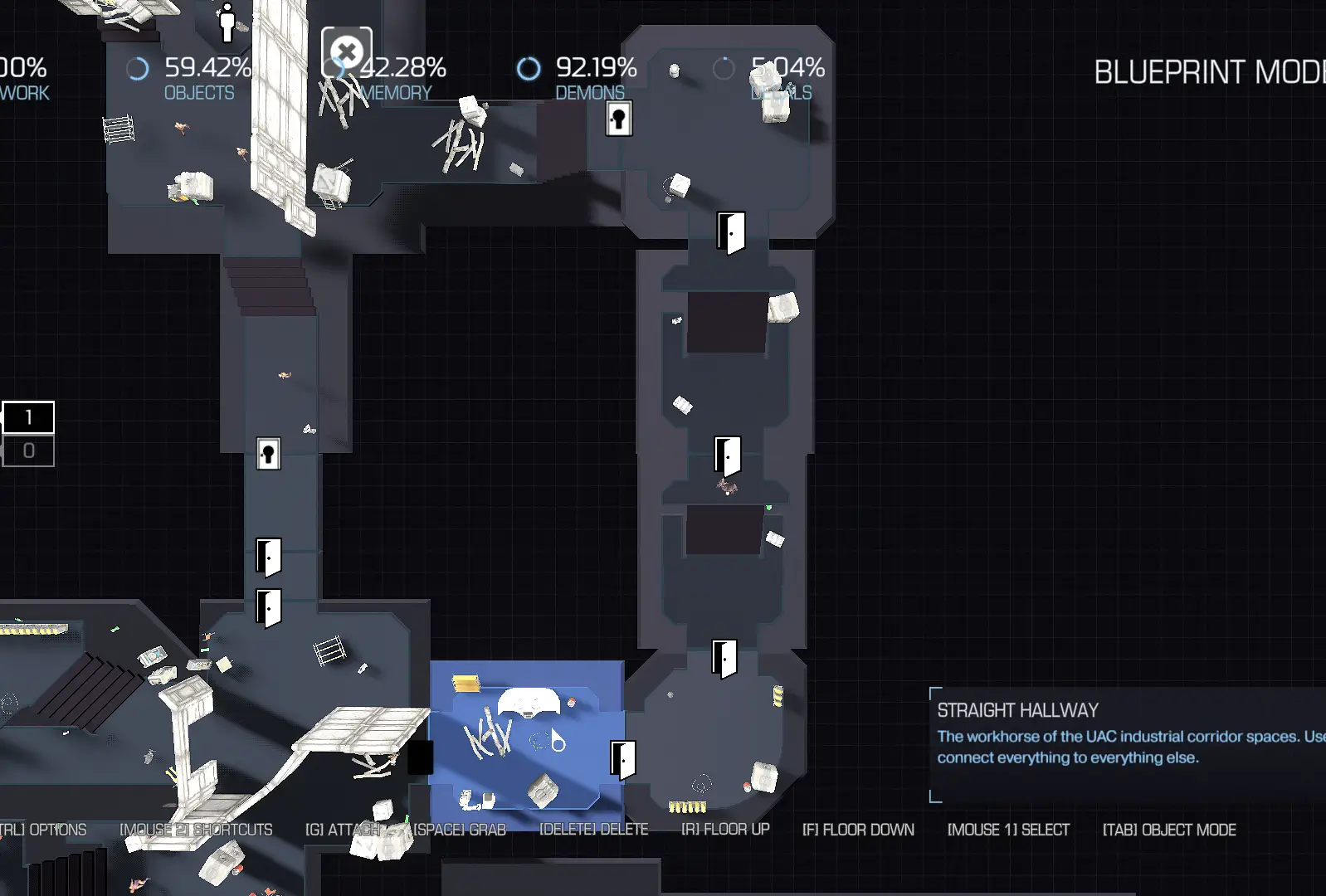 Level Layout
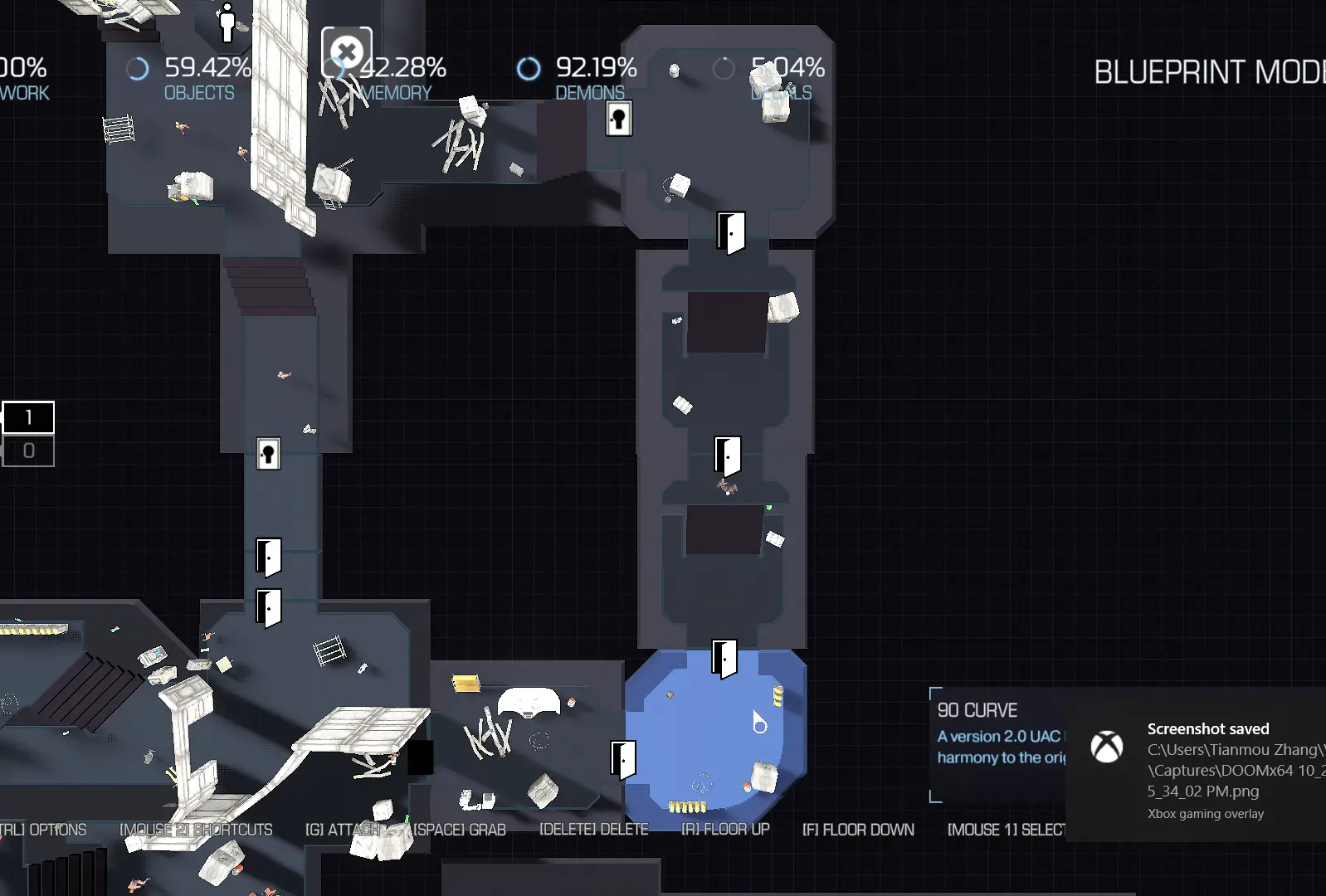 Level Layout
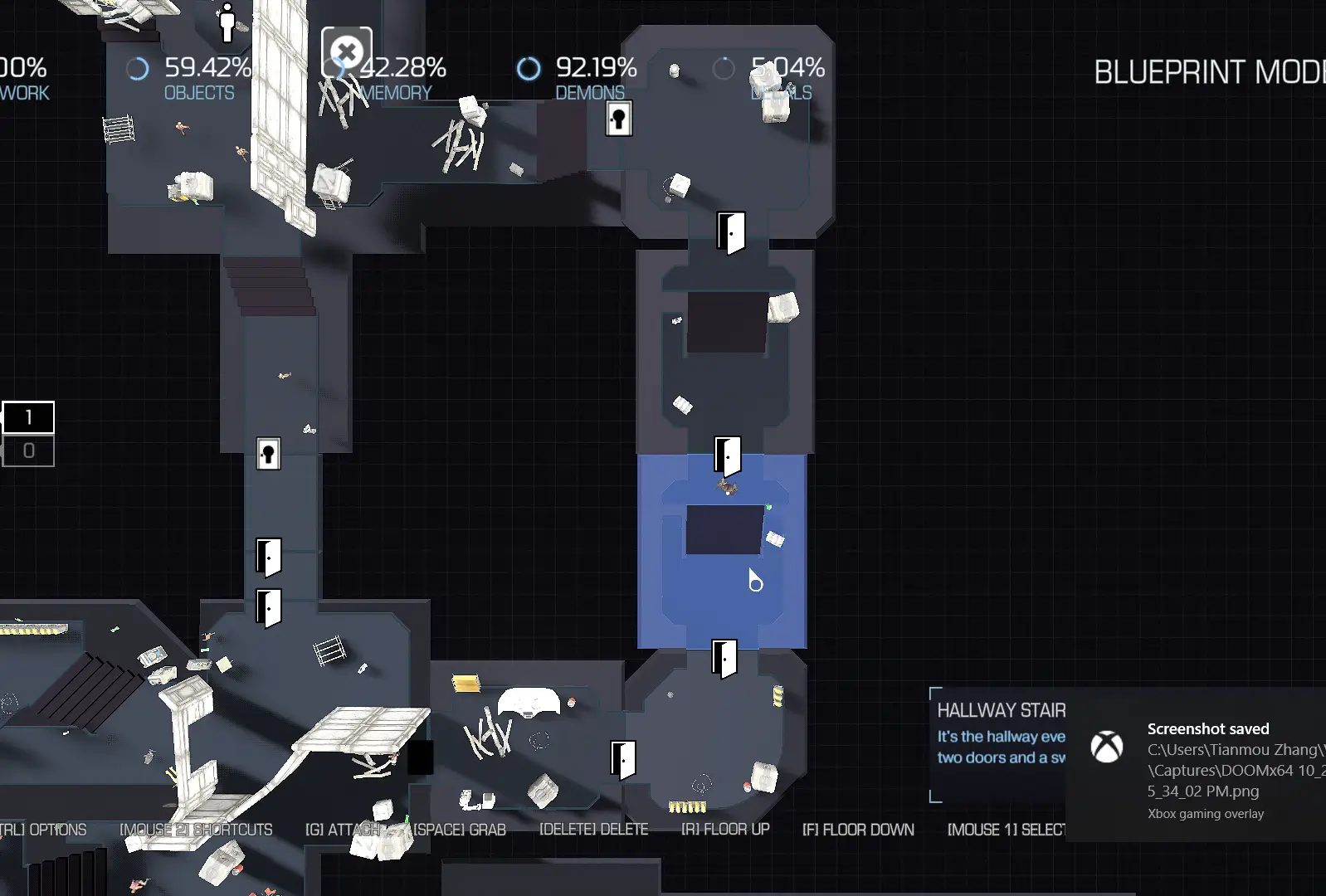 Level Layout
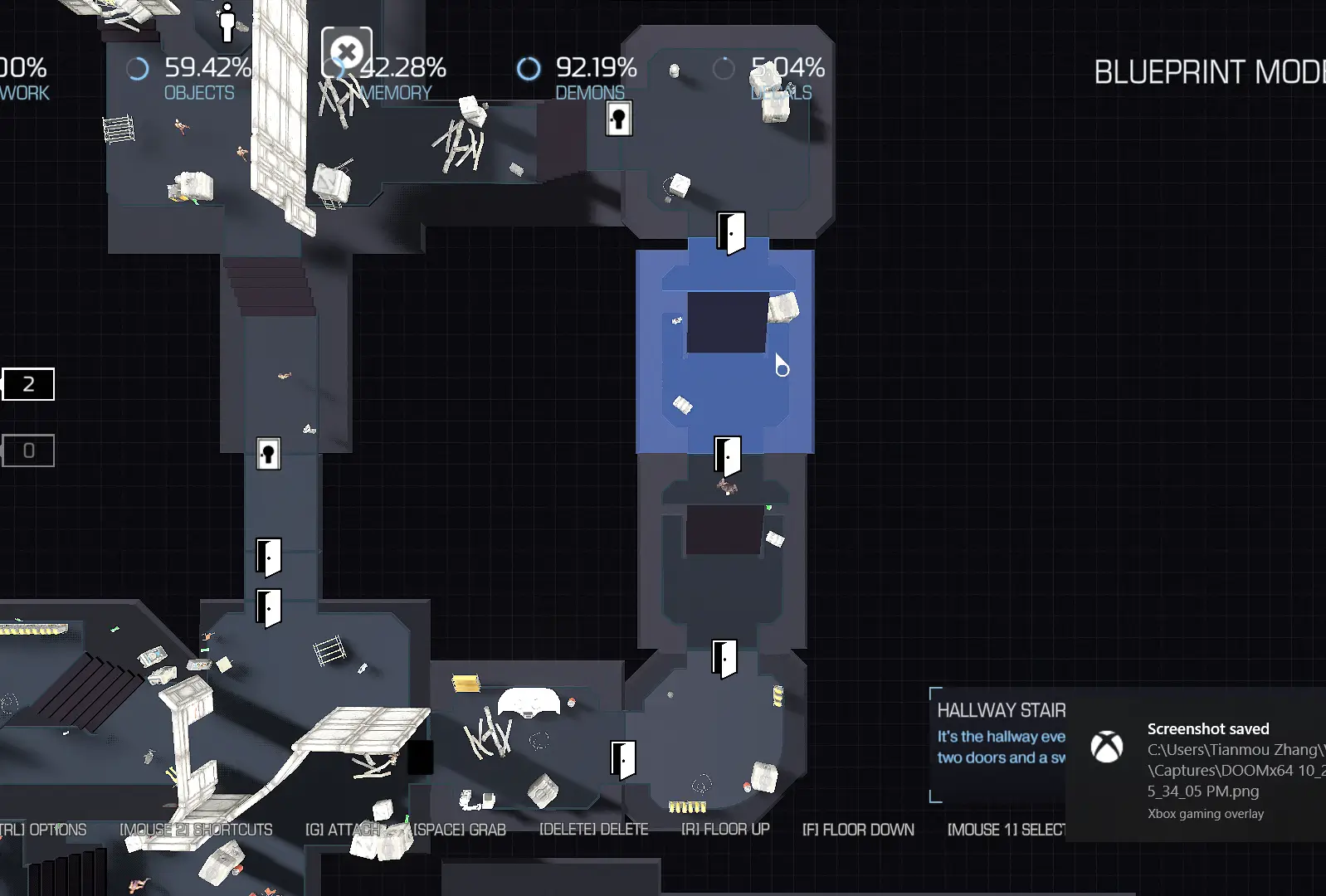 Level Layout
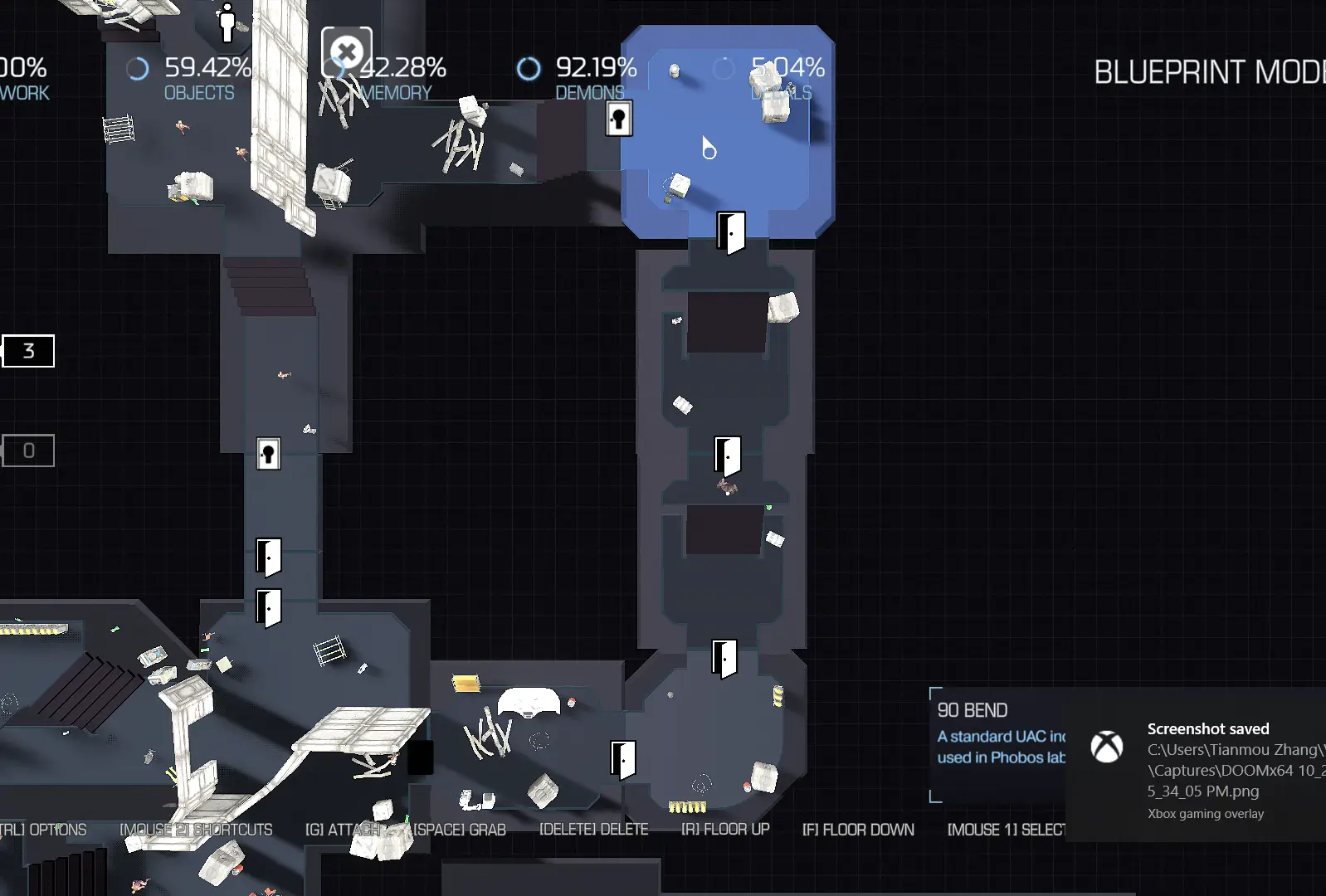 Level Layout
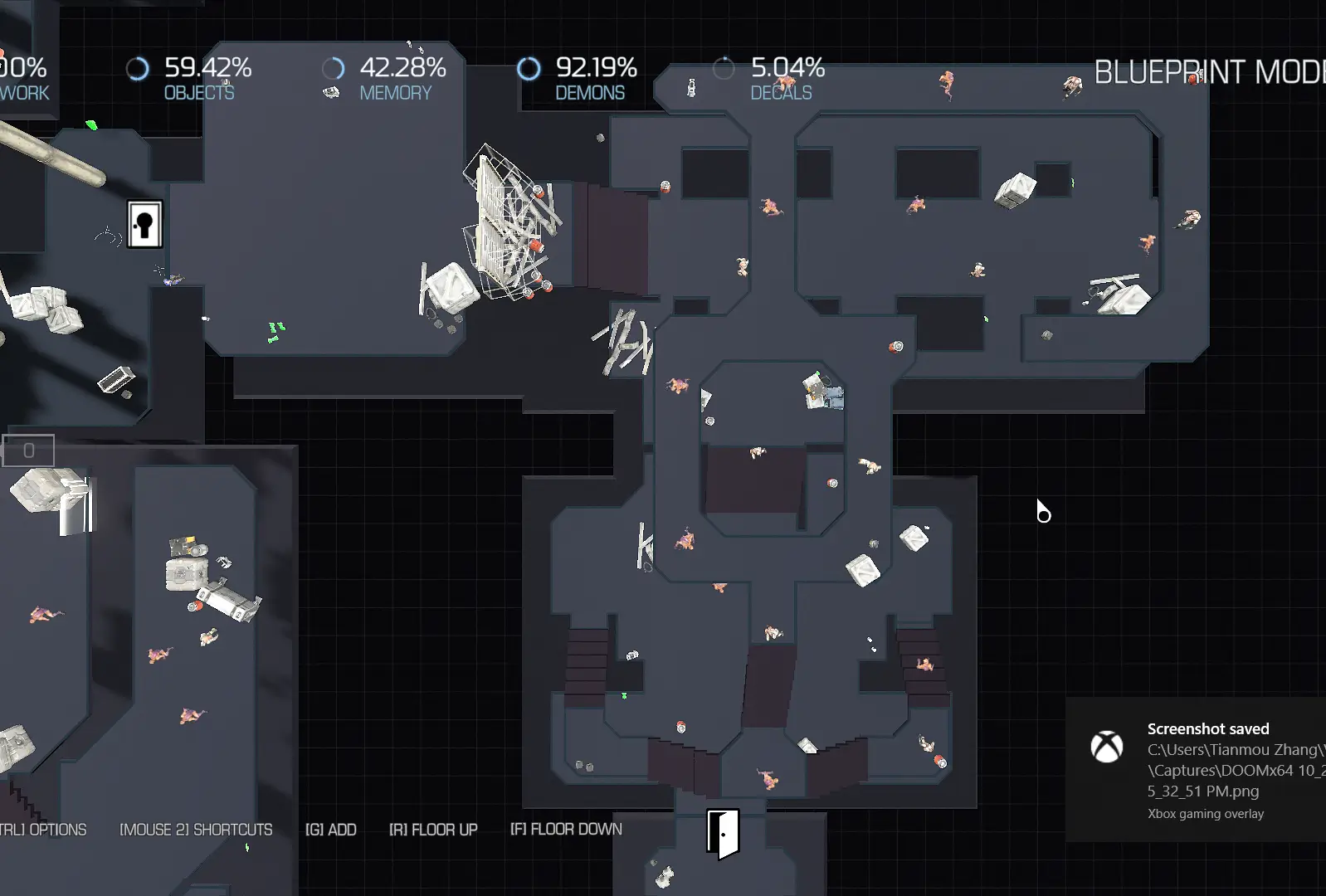 Level Layout
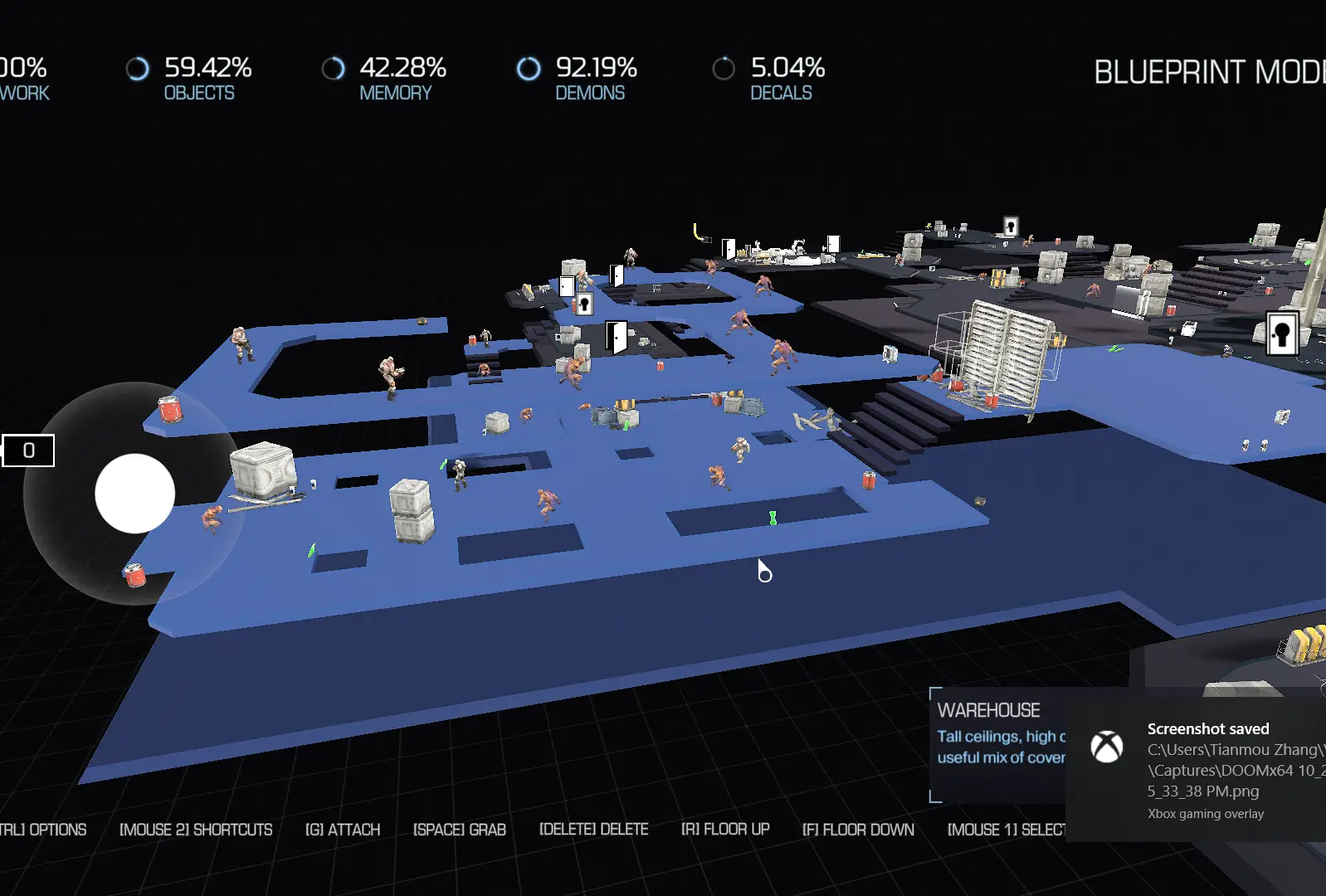 Level Layout
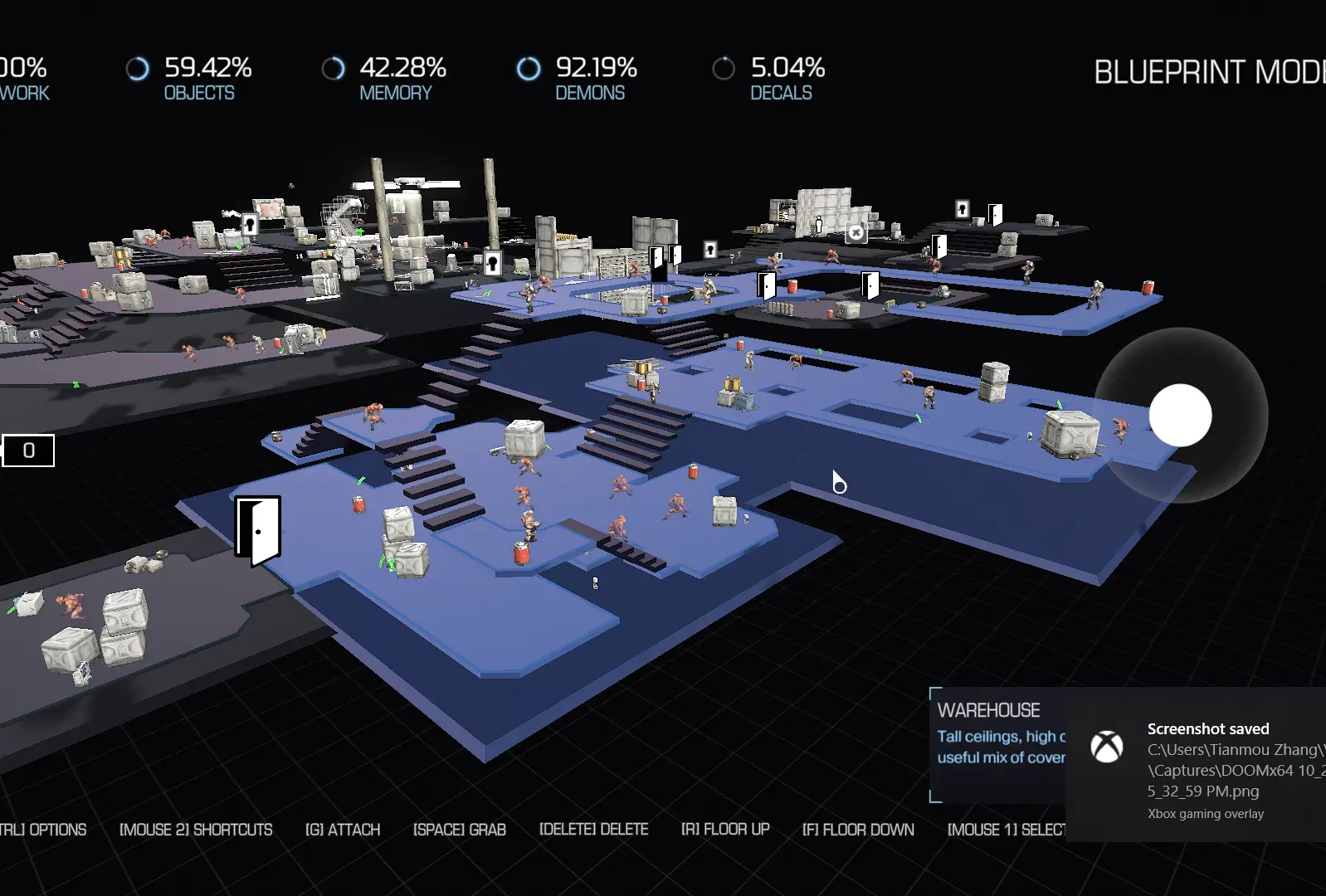 Level Layout
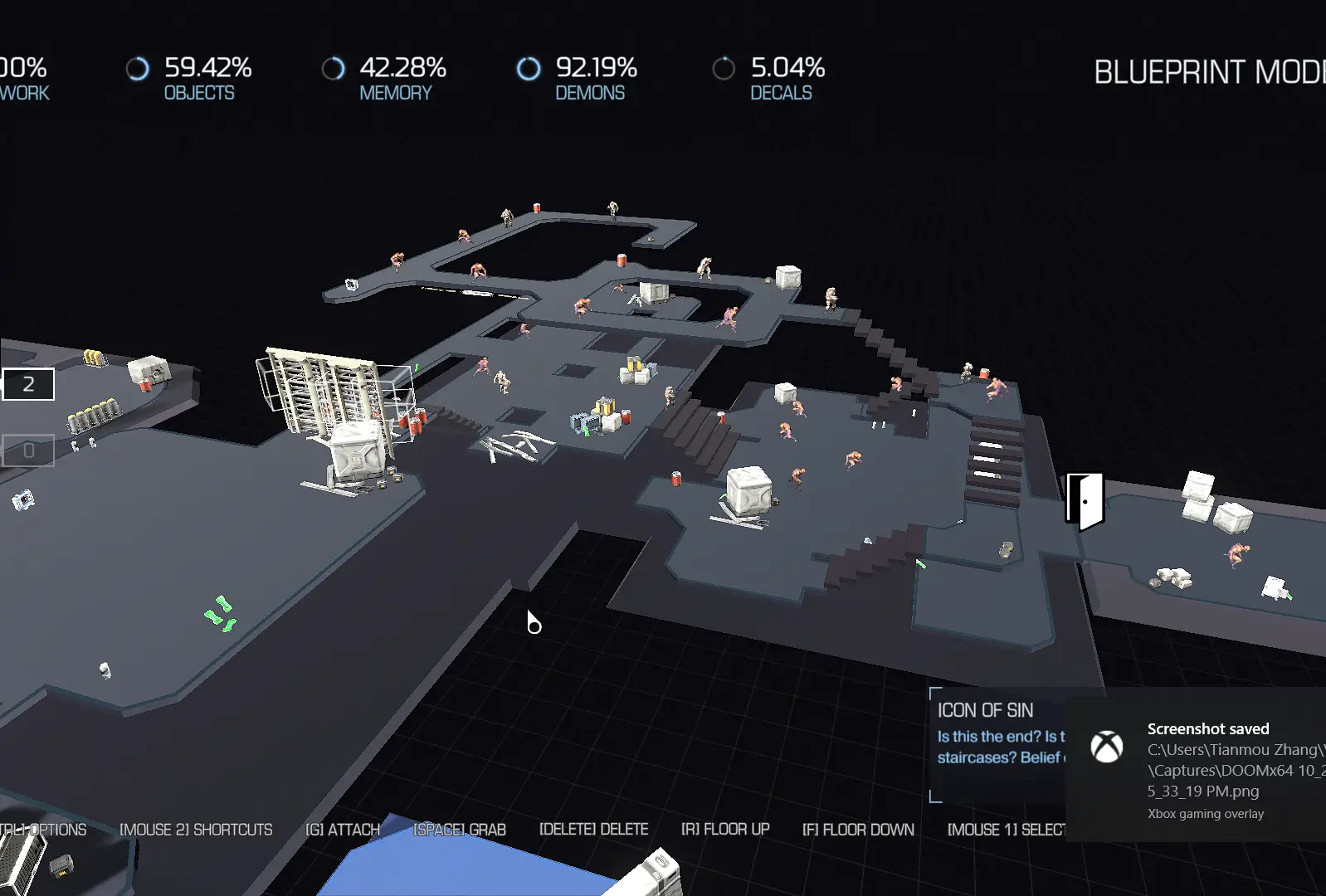 Level Layout
Post-Mortem
What Went Well
- The encounter design successfully guides players to roam around the level in an interesting way
- The interactable environment is a good touch
- Reuse part of level but in another direction to make the different gameplay experience
- Use pickup, lighting, color, guidelines to guide players
- Transition – Arena – Transition – Arena – Transition -… Layout to help to control the game pace
What Went Wrong
- The pickups have precision issues, where they sometimes clipping into construction at run-time
- Too many FXs, results in framerate loss sometimes
- Too many LoS blockers, results in AI sometimes unable to navigate properly
What I Learnt
- Encounter Design can help control the game’s pace
- Encounters need to guide players to roam the level in an interesting way
- The scarce and variance of pickups should be increased to push the emotional curve to the peak
Cite this post
Jayden Zhang. “Encounter Design - Doom (2016).” Jayden Zhang’s Blog, December 7, 2019. https://www.jaydengames.com/posts/encounter-design/
BibTeX
@misc{encounter-design2019,
  author = {Jayden Zhang},
  title  = {Encounter Design - Doom (2016)},
  year   = {2019},
  url    = {https://www.jaydengames.com/posts/encounter-design/},
  note   = {Jayden Zhang’s Blog}
}